The LumiQ Lighting Planner

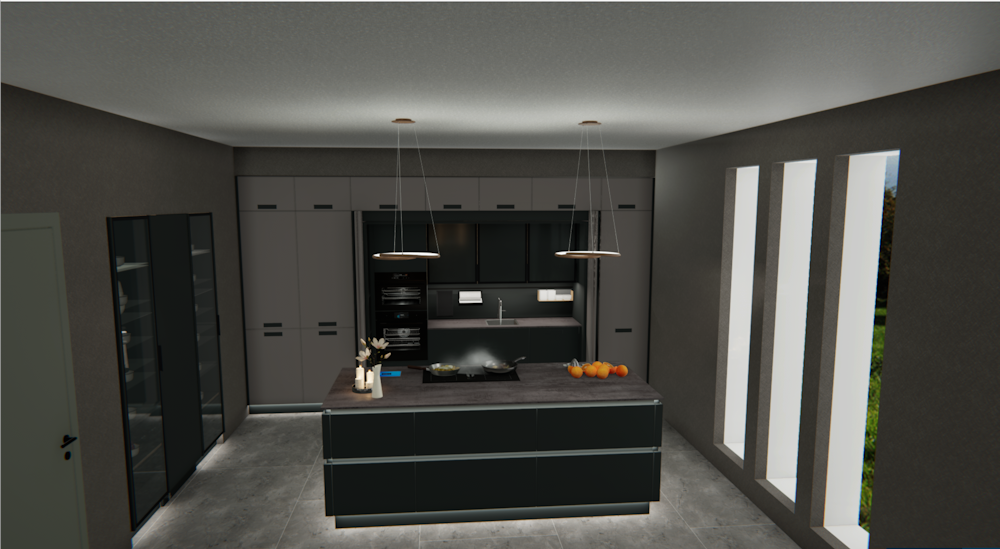
From version V2026.3.1.0 on you can use the new LumiQ Lighting Planner by Schüller for your CARAT plannings. With just a few clicks Typically the LEFT mouse button is pressed once quickly, if not specified differently. Clicking will either mark an object, or when clicking on a button, the execution of the desired activity (e.g. OK, Cancel, Close). you can choose from different Lighting packages suitable for your planning or an individual option The word option (from Latin: optio = free will) used in computing means a choice. In CARAT it is normally used with a list box.. The articles contained in the lighting packages will then be transferred automatically into the parts list of your CARAT planning and the kitchen illumination will be adapted accordingly. Whether it's working lights, recessed handles or atmospheric accentual illumination, you can easily and quickly design the kitchen illumination completely at buyer's option.
See also: Kitchen illumination with the LumiQ Lighting Planner
 What do you need to use LumiQ?
-
A planning with the Schüller catalogue NEXT125 2026 from catalogue status 25/26 on.
-
A customer number with Schüller that is stored in the catalogue master data Head data in CARAT is the generic term for all details that are needed for the design and ordering of a kitchen. This is for example, the selected program or variations in carcase versions, or worktop edge.
-
A calculation for the offered illumination packages that has been stored in the catalogue master data.
This is how to create an illumination planning with the LumiQ Lighting Planner in CARAT:
-
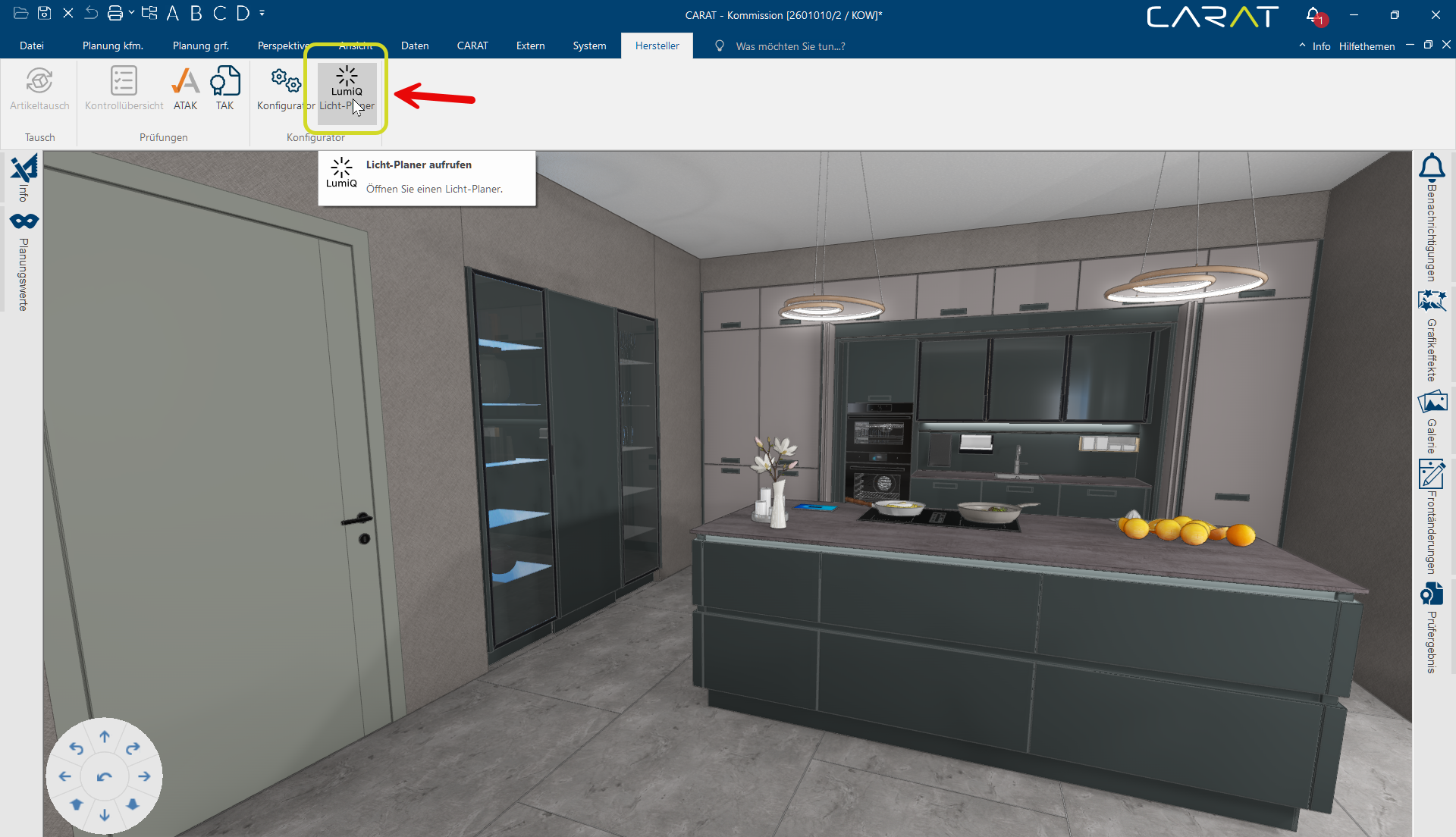
Open the perspective of the respective planning and then go to the Manufacturer tab in the menu bar and click on LumiQ Lighting Planner in the Configurator A configuration designates the specific program settings or hardware components in a computer. area.
-
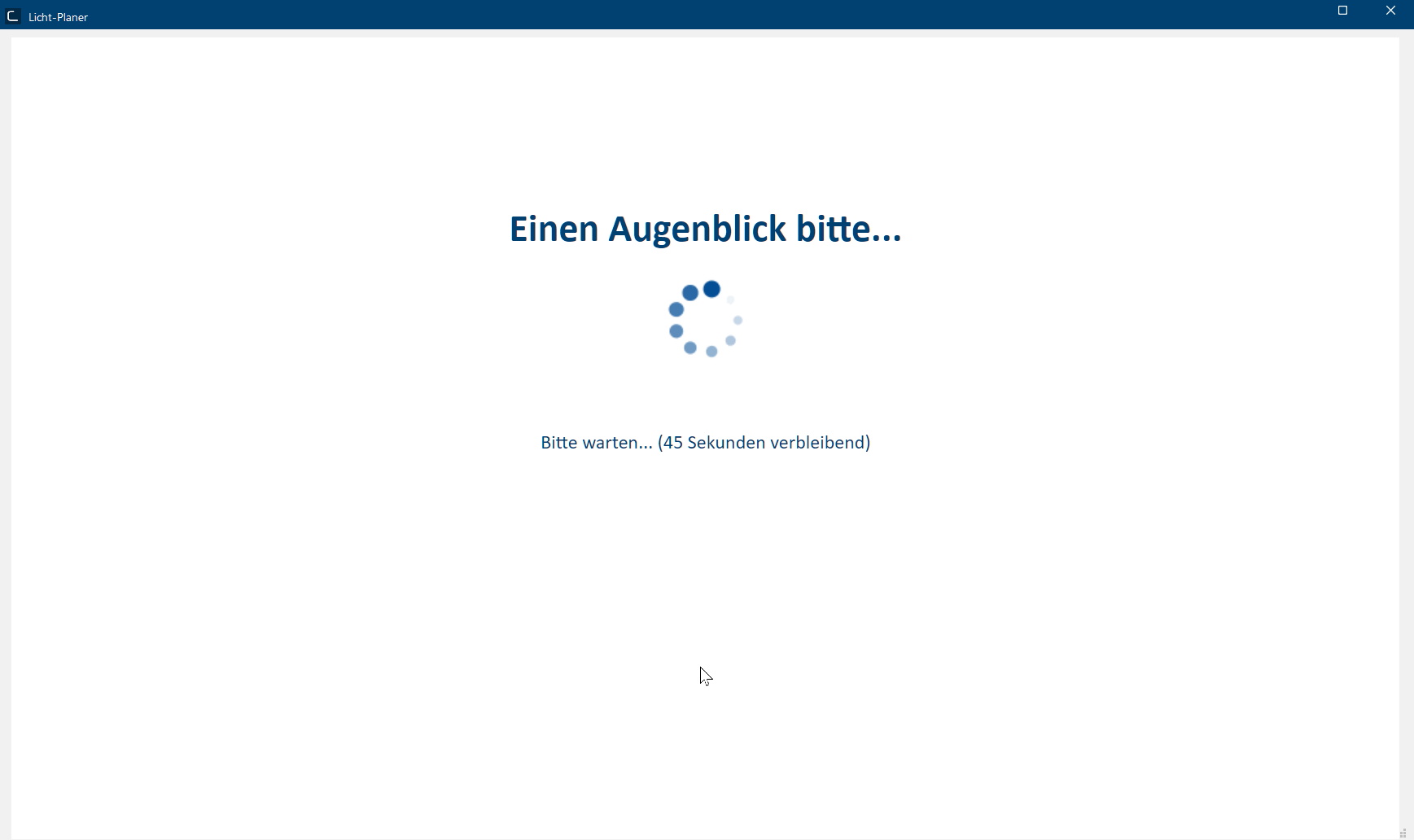
The LumiQ Lighting Planner starts and analyzes your planning. This can take a moment depending on the size of your planning.
-
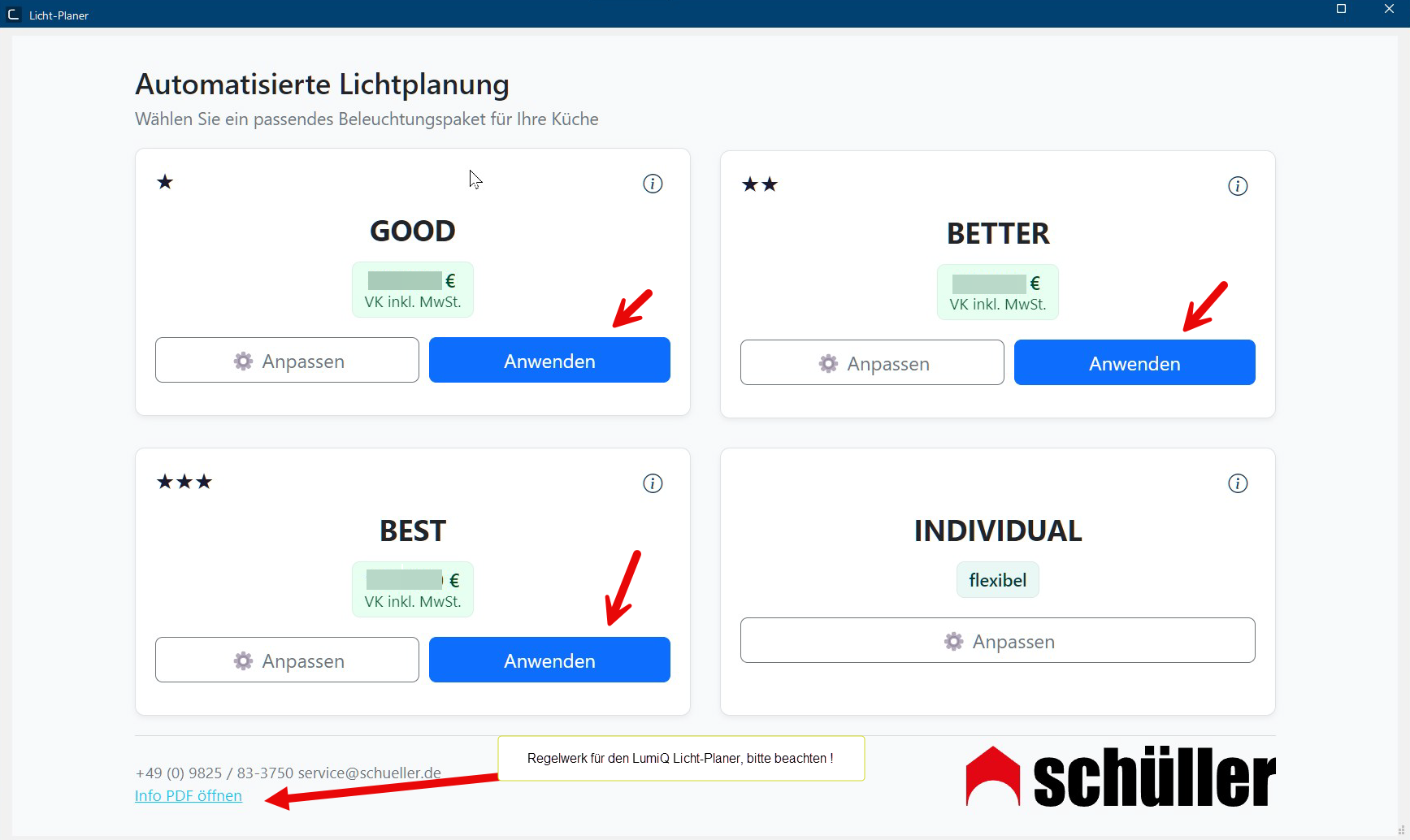
Now you will receive an offer with different illumination packages as well as an individually customizable illumination package of which the prices will only be displayed after selecting the components. In order to add any other illumination packages than the option INDIVIDUAL to your planning, click on the button In dialogue windows you always find one or more buttons that can be activated by clicking on them. Typical functions for buttons are e.g. OK, Cancel, Apply. Buttons are always activated by a single click with the left mouse button. Apply. The selected illumination will then be transferred directly into your perspective and the related articles will be added Addition (in Latin: addere) is one of four basic operations in arithmetic. In primary school and in common language it is the expression used for the adding of two or more numbers. to the parts list.
The prices shown result from the calculation that has been pre-set in the catalogue master data. In the lower left area you will find a link leading to a PDF The Adobe Portable Document Format (PDF) was developed and perfected in the 80's by Adobe Systems. Adobe PDF files contain data from any application, that can be displayed on every computer, and are suitable thereby to be exchanged with users throughout the world. file by Schüller with the Guidelines for the LumiQ illumination planner that we recommend to take into consideration.Example Selection Illumination Packages
-
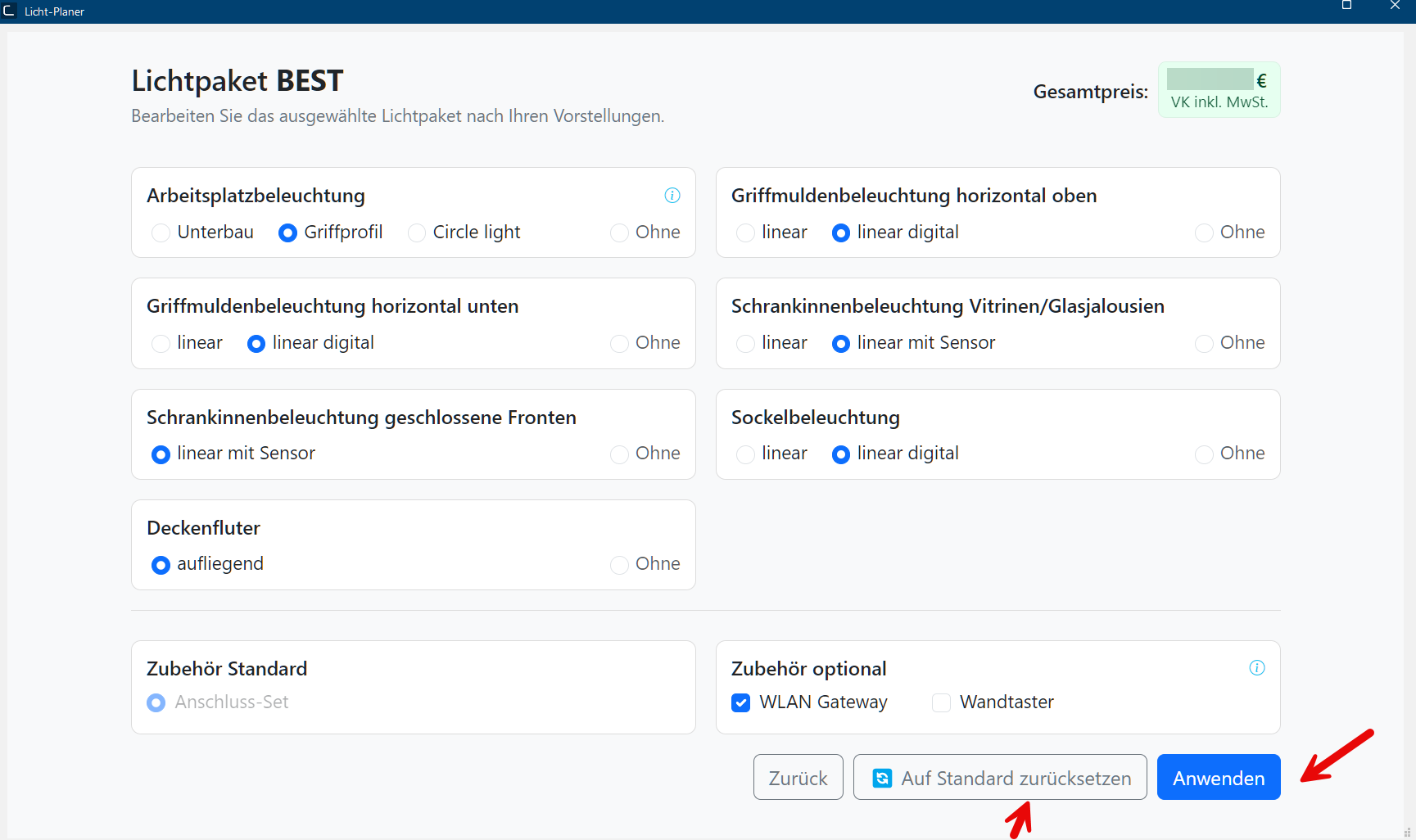
If you want to view, modify or reset the content of an illumination package, click on the button Modify. For the option Individual, this step is mandatory in order to create an individual illumination package. Once the modification or reset is performed Performance, in the context of computing and software, is a term meaning the effectiveness at usage of resources and the quality of output from programs., the package price will be adjusted automatically. The updates An update designates a new version of a base software program, which fixes faults or contains small improvements. of perspective and articles in the parts list will take place as soon as you click the button Apply.
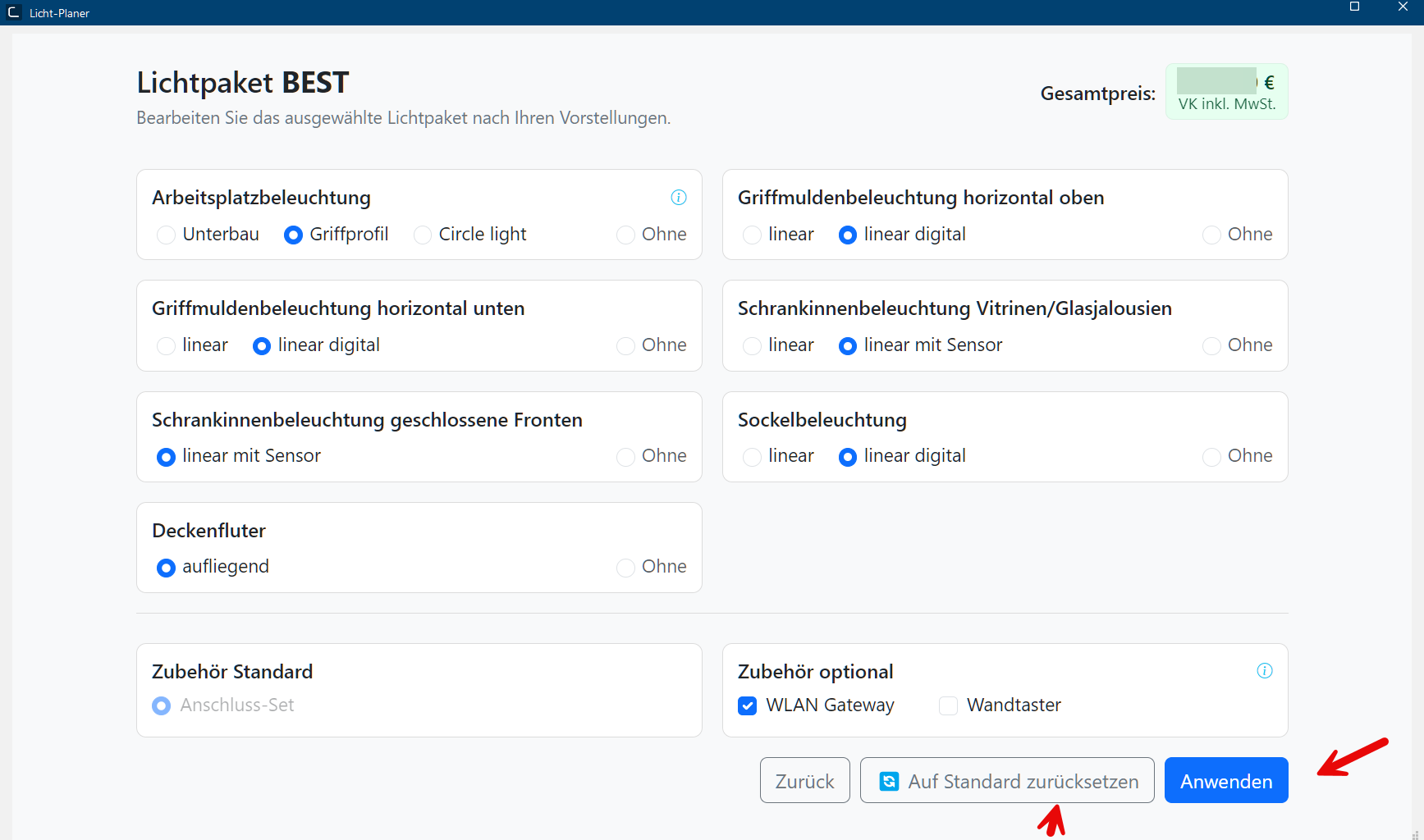
Example: Modify dialogue Dialogue, dialogue windows or dialogue fields are special windows in software applications. Dialogue windows are displayed by application programs in different situations to request input or confirmation from the user. Illumination package BEST
Example: Modify dialogue Illumination package INDIVIDUAL
-
Here you can see an example portrayal of a selected illumination package in the perspective that you can present to your customer after clicking the button Apply.
Example portrayal in the perspective after clicking Apply for the illumination package BEST:
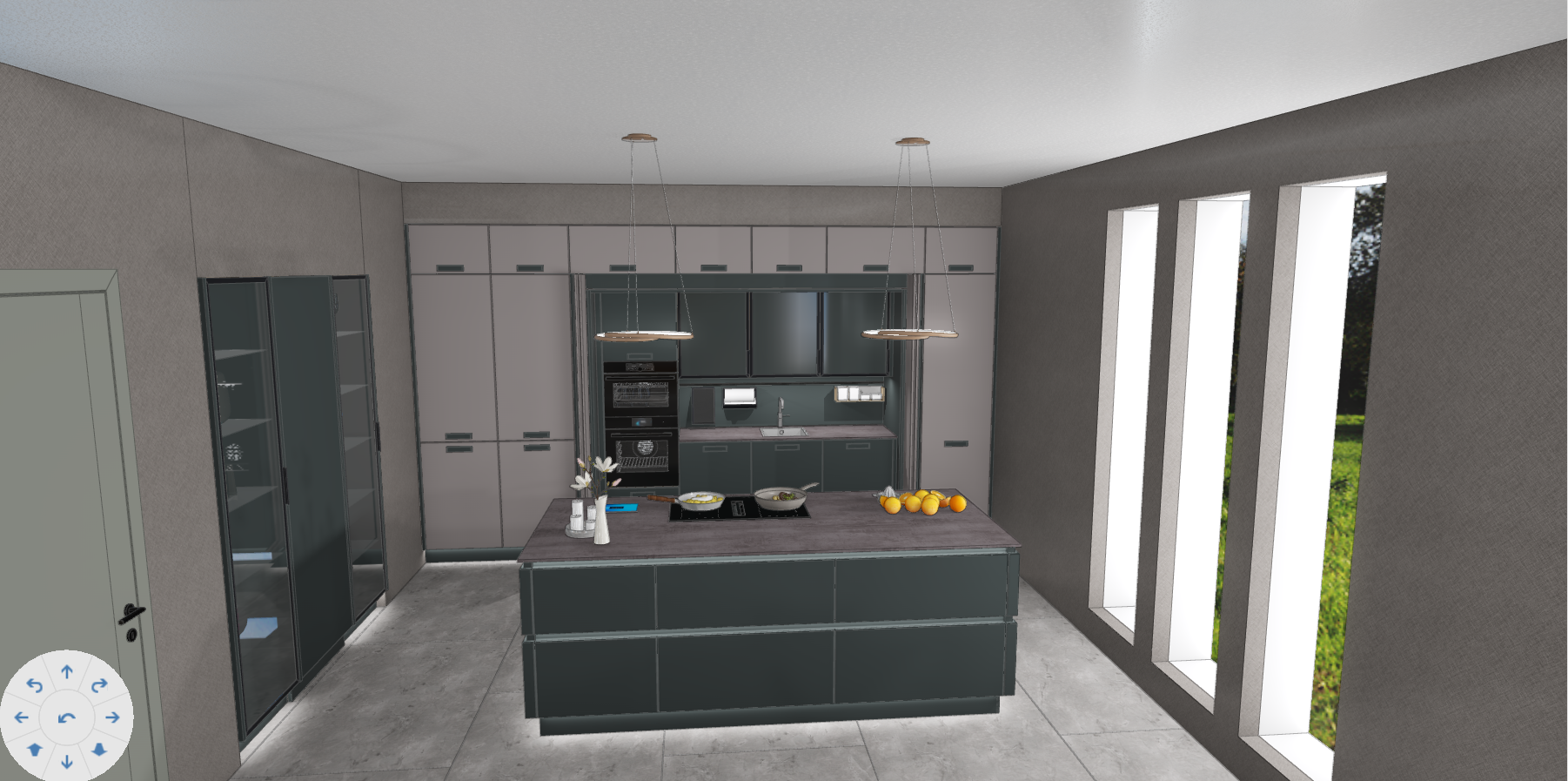 You also have the possibility to transfer this scene with the applied illumination package to CARAT emotion and hence present a combination from accentual illumination together with the animations and the vivid presentation in CARAT emotion.