CARAT virtualreality - VR

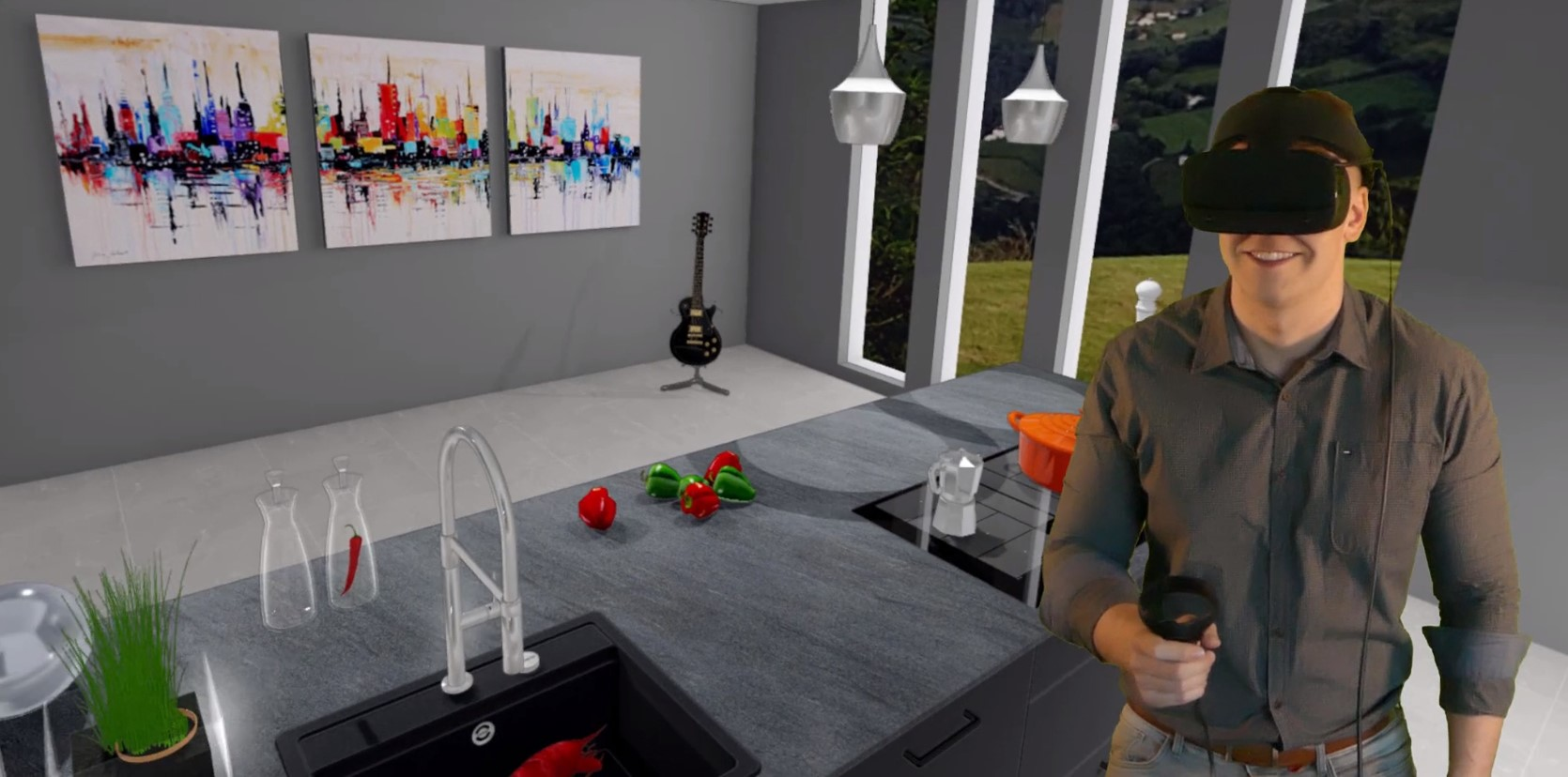
With the optional The word option (from Latin: optio = free will) used in computing means a choice. In CARAT it is normally used with a list box. CARAT virtualreality module you can offer your customers an unique virtual kitchen presentation. With the aid of VR glasses and at the push of a button In dialogue windows you always find one or more buttons that can be activated by clicking on them. Typical functions for buttons are e.g. OK, Cancel, Apply. Buttons are always activated by a single click with the left mouse button. you can present your customers the kitchen in a virtual environment, directly from CARAT. Requested changes can be implemented immediately and you can present the adapted design on the spot. Your customers will be thrilled by a whole new sense of the space and will for sure be more compelled to buy their new kitchen from you.
Which VR glasses are suitable for CARAT?
You can find out which VR glasses have been tested for use with CARAT by clicking Typically the LEFT mouse button is pressed once quickly, if not specified differently. Clicking will either mark an object, or when clicking on a button, the execution of the desired activity (e.g. OK, Cancel, Close). on the link Product information CARAT virtualreality - VR. There you can also order the necessary 3O module online and have it activated.
For more technical notes concerning the VR glasses, please also note our Information about EDP-Systems.
How is the virtual kitchen presentation started in CARAT, after the module has been activated and the VR glasses are installed on the PC?
Connect your VR glasses with your PC PC: The English term personal computer is the trade name for a range of computer systems, which originally were primarily manufactured by the company IBM. and call up your kitchen design in CARAT. Switch in the menu ribbon to the 3D representation group of the Perspective index card Some dialogue windows are too voluminous, therefore the functions are separated into indexed groups. The subgroup names typically appear on the tab of the index card at the top of the dialogue and can be selected by clicking on the appropriate tab. and start the activation of the VR glasses by clicking on the VR glasses symbol.

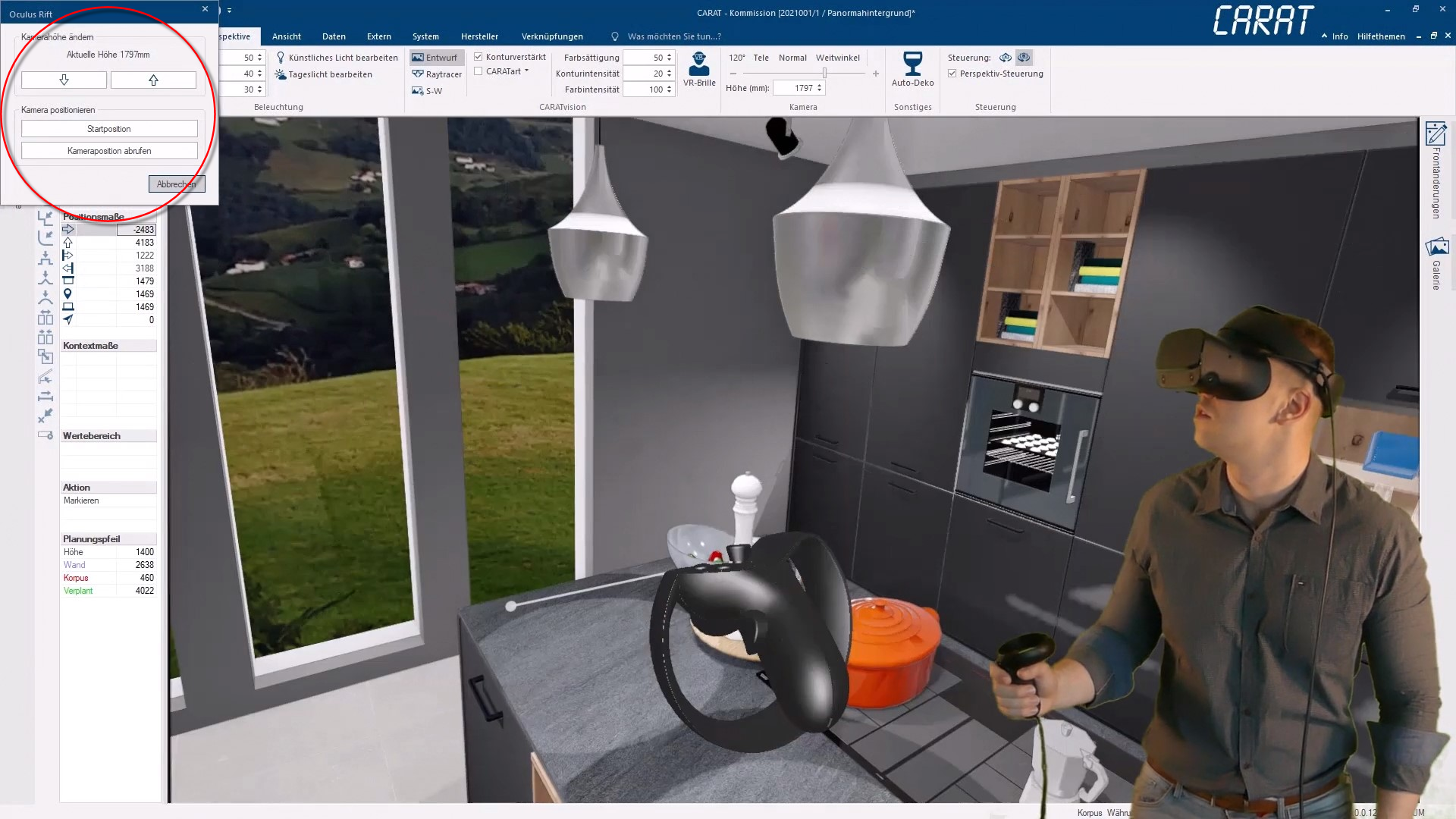
Your customer can now put on the glasses and start his virtual tour through his kitchen. If necessary, you can even adjust the camera height or the camera positioning by using the window Programs and files are shown in so called windows in the operating system of the same name. In CARAT each view (e.g. floor plan, article input, front view, perspective etc.) opens its own window. Multiple windows can be shown simultaneously for processing. If changes are made in one of these windows, this has an automatic effect on all other windows. displayed at the top left.